




RAW or JPEG: which format should you choose for your photos?
RAW or JPEG: the real differences, the advantages of each format, and which one to choose depending on your device and how you work, including digicams.
Choose JPEG if you want photos ready to share, with the camera's color rendering (that's the whole point of a digicam) and small files. Choose RAW if you edit your photos: it keeps all the sensor data, allowing you to correct the exposure and white balance without loss. Many cameras offer RAW + JPEG: the best of both worlds, at the cost of fuller memory cards. Most consumer digicams only shoot JPEG.
The verdict in 30 seconds
JPEG if…
- you share your photos directly;
- you like the look of your camera;
- you have little space on the card.
RAW if…
- you edit in software;
- you shoot in difficult lighting;
- you want the best possible quality.

The differences at a glance
| JPEG | RAW | |
|---|---|---|
| What it is | An image processed and compressed by the camera | The raw data from the sensor, to be "developed" |
| Rendering | Colors, contrast, and sharpness from the camera | Neutral, flat at first: everything is adjusted during development |
| Editing | Limited: every correction degrades it slightly | Wide: exposure, white balance, highlights recoverable |
| Depth | 8 bits per color | Generally 12 or 14 bits per color |
| Size | Small | 2 to 6 times larger depending on the camera |
| Compatibility | Universal | Software required, proprietary formats for each brand (CR2, NEF, ARW…) or DNG |
When RAW really makes a difference
- Missed white balance: in RAW, you can change it freely. See our white balance guide.
- Blown-out sky or crushed shadows: RAW keeps more information in the highlights and shadows.
- Night photo: finer noise reduction than in JPEG. See our night photography tips.
When JPEG is the best choice
On a digicam, much of the charm comes from the camera's JPEG processing: colors, contrast, and sharpness unique to each brand and era. Photographers who buy a 2000s compact for its look often keep it in JPEG. This is also the case for cameras renowned for their film simulations, like Fujifilm cameras. See our digicam settings for a 2000s look.
Which digicams shoot RAW?
RAW was reserved for expert compacts. Among common used models:
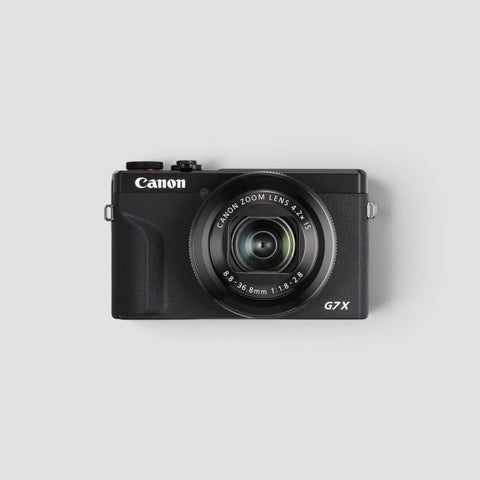
- Canon PowerShot G (the first G1 to G6, then again from the G9 onwards; the G7 does not have it) and PowerShot S90/S95 and later models;
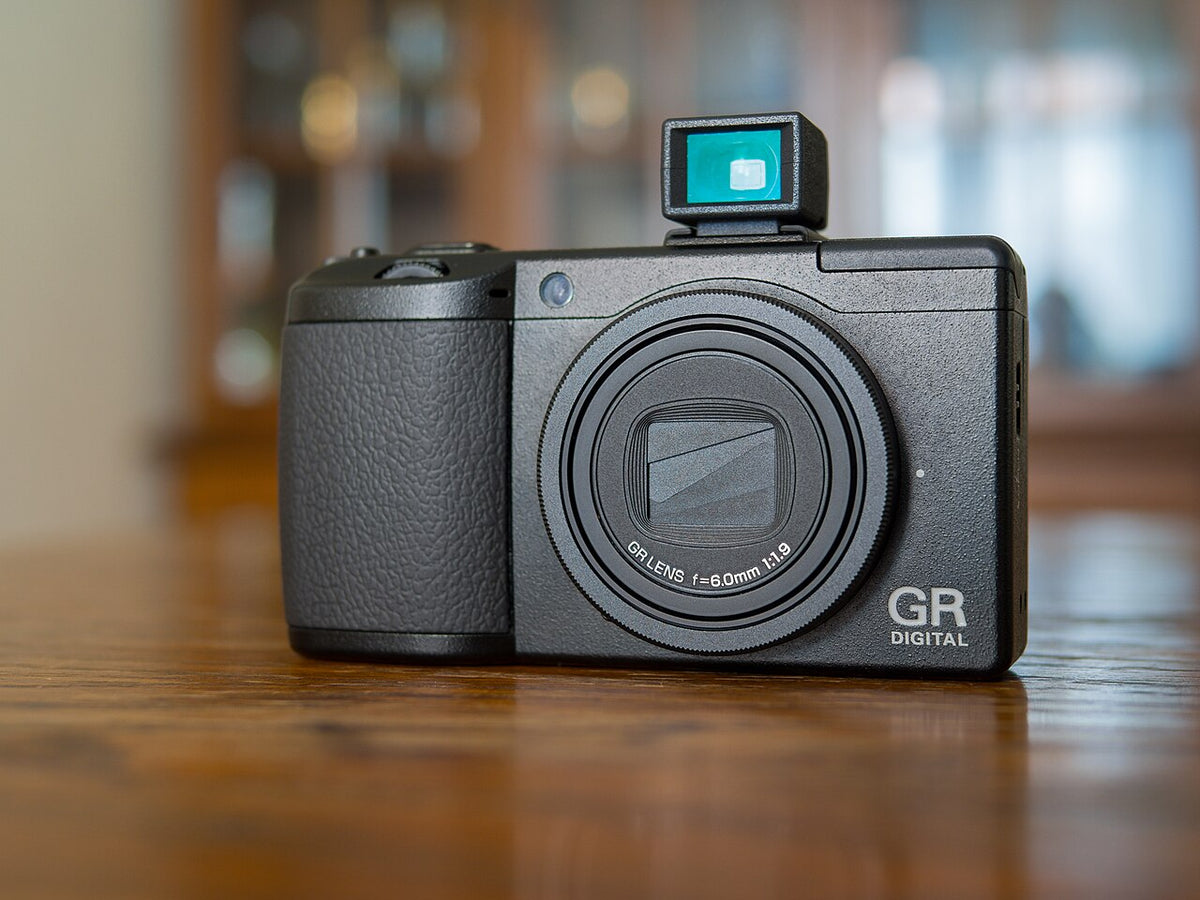
- Ricoh GR Digital, which shoots in DNG (open RAW format);
- Panasonic Lumix LX;
- the Fujifilm X100 and most large-sensor expert compacts.
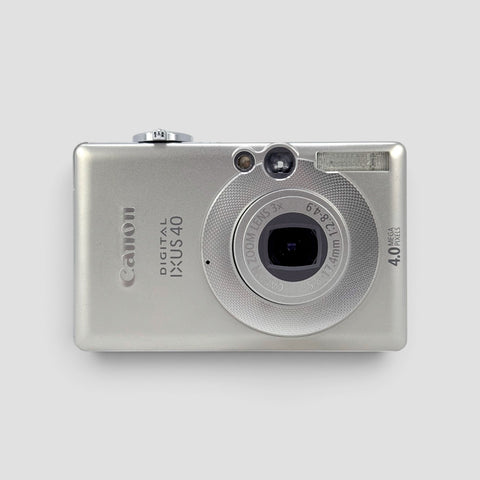
Most Canon IXUS, consumer Sony Cyber-shot, or entry-level Nikon Coolpix cameras only offer JPEG. On many Canons, the free CHDK software, loaded from the memory card, can add RAW shooting: it's an unofficial modification, at your own risk. See also our Canon PowerShot G9, Ricoh GR Digital, and Fujifilm X100 guides.
Managing your RAW files properly
- Use development software: Lightroom, Capture One, or the free darktable and RawTherapee.
- Very old RAW formats are sometimes not recognized properly: convert them to DNG with Adobe's free converter if necessary.
- Plan for larger cards, and check the maximum capacity accepted by your camera in our guide to memory cards for older cameras.
See our film cameras → See vintage digital essentials →
Also read: Digicam formats and resolution: Mpx, JPEG, RAW, video.