




Digital camera won't turn on: what to do?
A digital camera that no longer turns on isn't necessarily dead. Battery, contacts, door, card, lens: the checks to perform in order.
You press the power button and nothing happens? Before concluding that it's broken, keep in mind that most digital cameras that "won't turn on" suffer from a power or contact problem. Here are the checks to perform, in order.
1. The battery or batteries
- Charge the battery for at least a few hours, or put in new batteries.
- Check that it's the right model and that it's inserted in the right direction.
- A battery that has spent years flat may be dead: test with another battery if possible.
See battery and charger for old digital camera and battery that does not charge: solutions.

2. The battery cover
Most cameras have a small switch that detects the closing of the cover. If the cover is not closed properly or if its tab is broken, the camera refuses to start. Close it firmly until it clicks.
3. The contacts
Look at the contacts of the battery and the compartment. Green or white traces indicate oxidation, often due to leaking batteries. Clean gently with a cotton swab slightly moistened with isopropyl alcohol, then let dry completely.
4. The memory card
A defective card can block some cameras at startup. Remove the card and try to turn on the camera without it. See memory card not recognized.
5. The stuck lens
On a compact, if the camera turns on then immediately turns off, sometimes with an error message, it's often the lens that does not come out. This is a special case: see lens error: what to do.
6. Moisture and shock
If the camera has taken water or a blow, do not insist: remove the battery and the card, let dry for several days in a dry and temperate place, and do not turn it on until it is dry. Beyond that, the opinion of a repairer is mandatory.
Tip: remove the battery for a few minutes then put it back. This is sometimes enough to unblock a frozen device.
When to get it repaired?
If the camera shows no sign of life with a charged battery and clean contacts, the failure is probably electronic. For an old camera, compare the cost of the repair with that of another copy. Do not open the camera yourself: the flash capacitor can retain a high voltage.
For other failures: screen that no longer works and flash that does not fire.
At Vibes Photo, each device is checked before being put on sale and covered by a six-month commercial warranty, in addition to the legal warranties of conformity and hidden defects. The details are in our general terms and conditions of sale.
Frequently Asked Questions
Why does my digital camera no longer turn on?
Most often: empty or dead battery, poorly closed cover, oxidized contacts or defective memory card.
My camera turns on then immediately turns off, why?
Often a battery that is too weak or a stuck lens on a compact.
How to clean oxidized contacts?
With a cotton swab slightly moistened with isopropyl alcohol, then complete drying.
Can a camera that has taken water work again?
Sometimes. Remove the battery and card, let dry for several days and do not turn it on before.
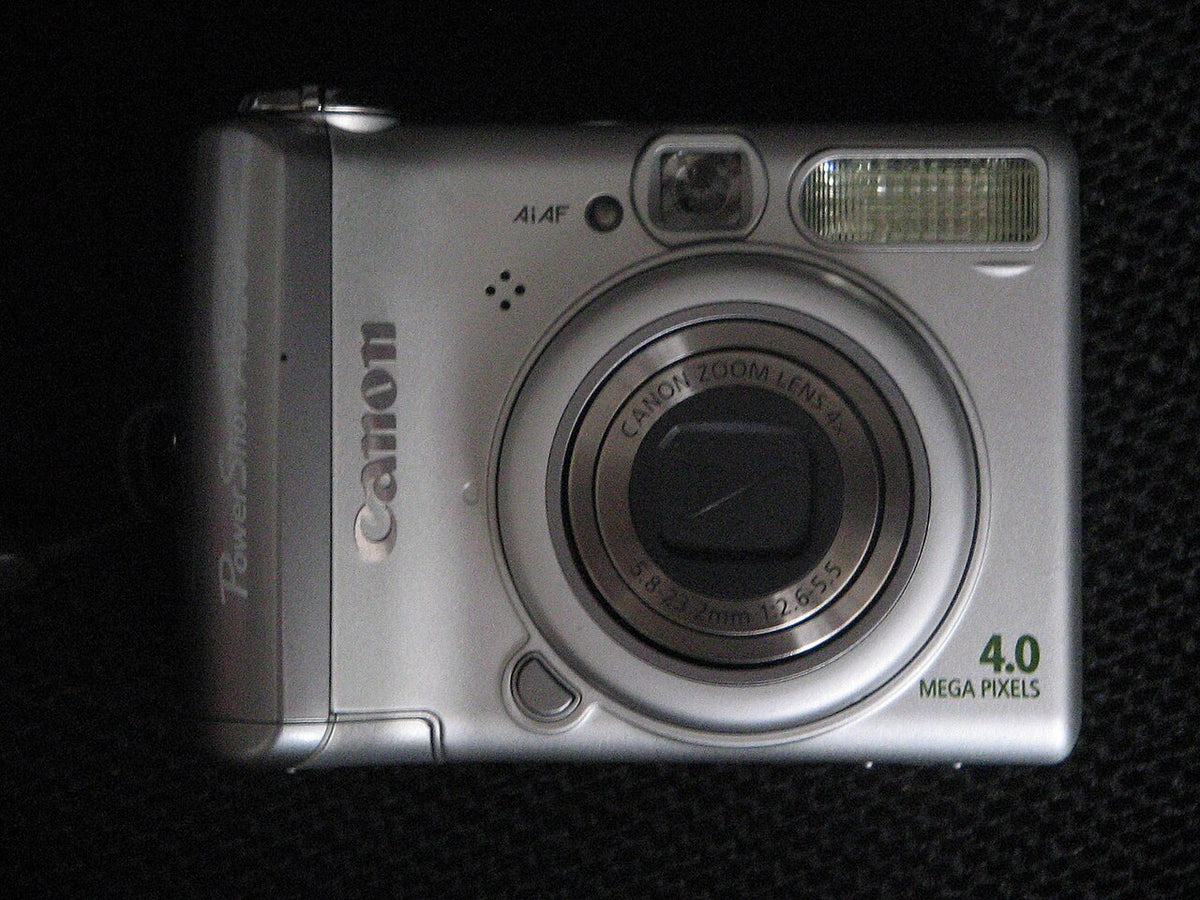
Main image: Canon PowerShot A520 digital compact seen from the front. Photo: Luis Dantas, Public domain, via Wikimedia Commons