




Vintage camcorder: which one to choose to film like it’s the 2000s?
MiniDV, Hi8, Digital8, VHS-C or hard drive: which camcorder to choose depending on the look you're after, the tapes still available and how you plan to retrieve your videos.
The right vintage camcorder first depends on the look you're after. For the soft, blurry image of 80s-90s home videos, you need an analog format like VHS-C or Hi8. For the sharper 2000s look, with a simple transfer to the computer, MiniDV is the most practical choice. Hard drive or SD card camcorders, on the other hand, don't use tapes but produce a more "digital" image.
The verdict in 30 seconds
The analog "home movie" look
- VHS-C, Video8 or Hi8;
- warm, soft image, bleeding colors;
- more cumbersome transfer (real-time capture).
The 2000s look, in practice
- MiniDV (or Digital8);
- sharper image, typical 4:3 format;
- lossless digital copy via FireWire.
The formats in a table
| Format | Type | Launch | Look | Transfer |
|---|---|---|---|---|
| VHS-C | Analog | 1982 | The most "VHS": soft, noisy | Real-time capture, VHS adapter possible |
| Video8 | Analog | 1985 | Close to VHS | Real-time capture |
| Hi8 | Analog | 1989 | More defined than Video8 | Real-time capture (S-Video recommended) |
| MiniDV | Digital | 1995 | Sharp, bold colors, 2000s look | FireWire (i.LINK), lossless copy |
| Digital8 | Digital on 8mm tape | 1999 | Close to MiniDV | FireWire; some models also read Hi8 |
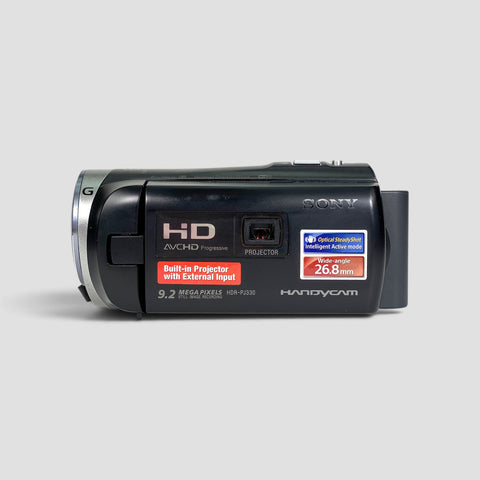
| Hard drive, DVD, SD card | Digital | 2000s | More modern, visible compression | USB or card, the simplest |
Tapes: still available?
MiniDV tapes are still fairly easy to find. New Hi8 and Video8 tapes are becoming rarer, and VHS-C even more so: you'll mostly find them as end-of-stock or used items. Before buying a tape camcorder, check that you can get tapes for the format you're targeting.
Tip: a used tape can dirty the read heads. For your own shoots, prefer new or mint-condition tapes, and keep only one brand per camcorder.
Getting your videos onto your computer
This is often the point of hesitation. Digital formats (MiniDV, Digital8) are copied via FireWire, also called i.LINK by Sony, but recent computers no longer have this port: you need an expansion card or a chain of adapters. Analog formats go through a video capture box, in real time. We detail each method in Transferring camcorder tapes to a computer.
Choose your format for the image you want, then check that you know how to retrieve it.
Checks before buying
- the camcorder records and reads a tape, without a choppy image or skipping sound;
- the loading mechanism opens and closes without forcing;
- the flip screen and viewfinder work;
- the battery holds a charge, and the charger or power adapter is provided;
- the outputs (FireWire, S-Video, A/V cable) are present and any proprietary cable is included.
At Vibes Photo, each device is checked before being put up for sale and covered by a six-month commercial warranty, in addition to the legal warranties of conformity and hidden defects. The details are in our general terms and conditions of sale.
And why not a camera?
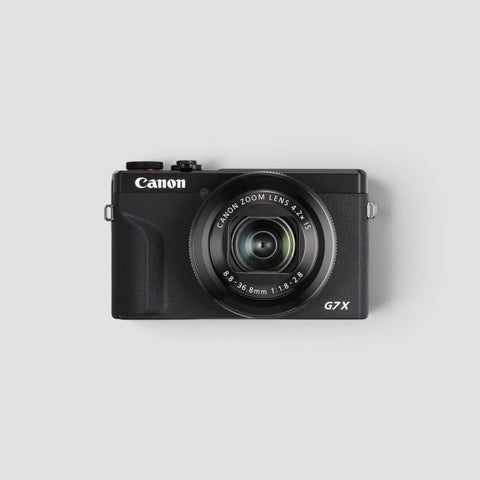
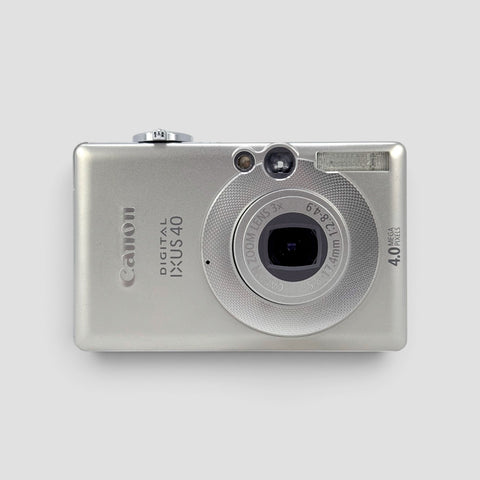
Many 2000s digital point-and-shoots also shoot video, in low definition. For short clips with a raw look, it's a lightweight alternative. Our guide 2000s digital camera: which one to choose? helps you spot the right models.
Frequently asked questions
Which camcorder for a VHS look?
A VHS-C, Video8 or Hi8 camcorder naturally gives this analog look. MiniDV is sharper: its look is more reminiscent of the early 2000s.
Can a Digital8 camcorder read Hi8 tapes?
Many Digital8 models read Hi8 and Video8 tapes, but not all convert them to digital on their FireWire output. Check the exact model in its manual.
Can you connect a MiniDV camcorder to a recent Mac?
Yes, with a FireWire to Thunderbolt adapter chain, but it's expensive and not compatible with all computers. An old computer equipped with a FireWire port is often the simplest solution.
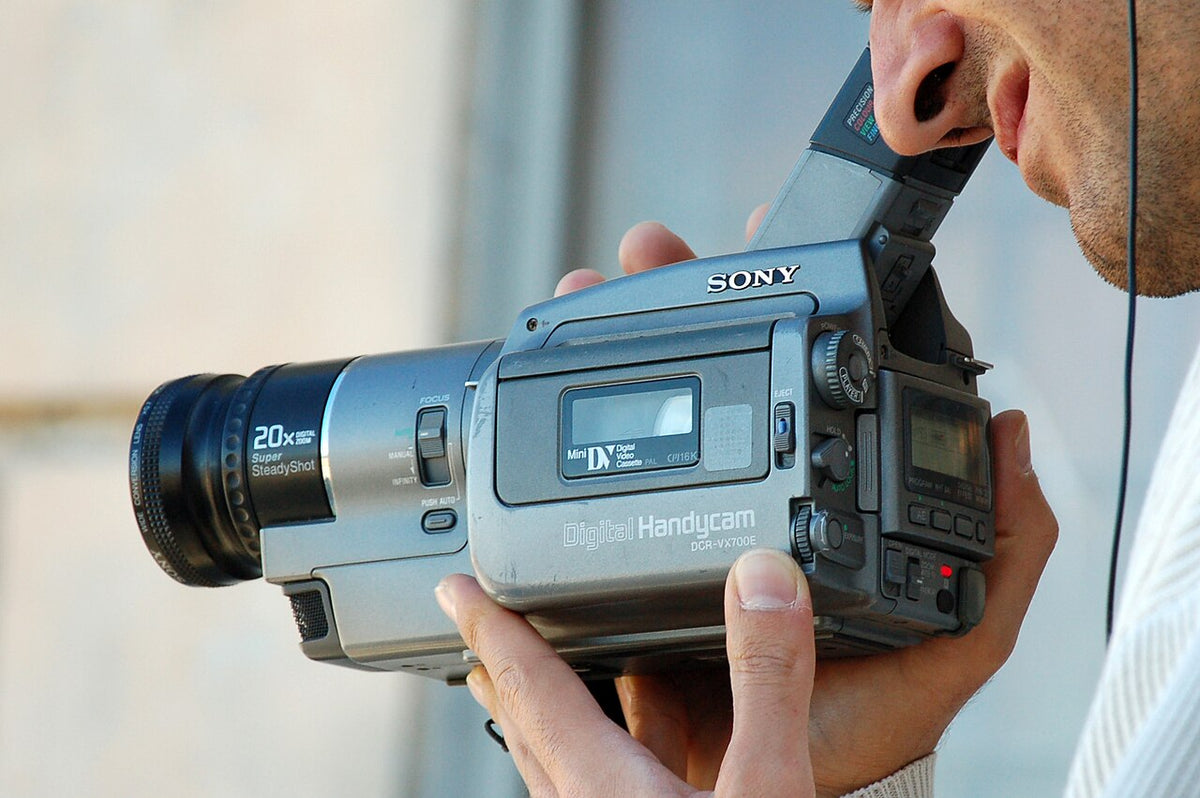
Cover photo: Nabukodinosaure, via Wikimedia Commons, CC BY-SA 4.0 license.