




Camcorder no longer reads tapes: causes and solutions
Is your camcorder no longer reading your tapes? Possible causes (dirty heads, condensation, format, mechanical issues) and solutions in order, before taking it to a repair shop.
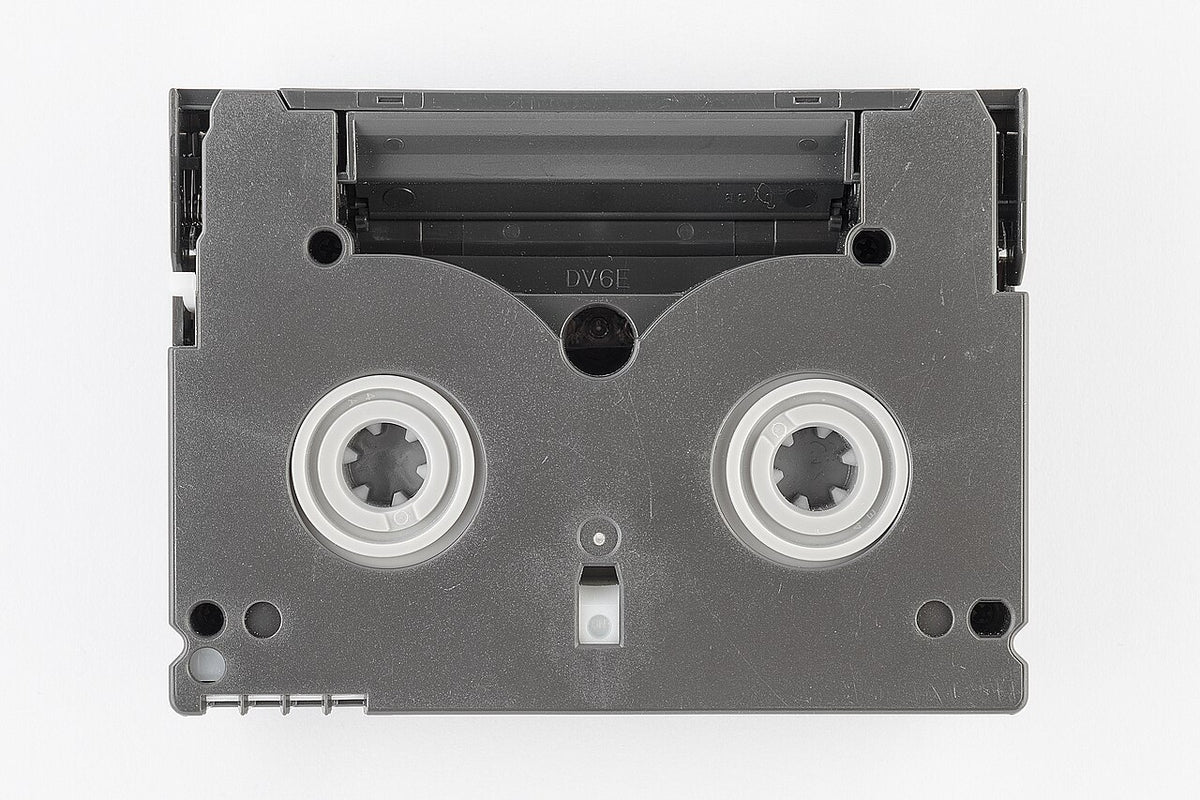
When a camcorder no longer reads a tape correctly (blocky picture, blue screen, snow, choppy sound), the most common cause is dirty video heads: a dry cleaning tape often solves the problem. Next come condensation, a tape recorded on another device or in a different mode, and finally a mechanical failure. Proceed in order, and never force a stuck tape.
Symptoms and their probable causes
| Symptom | Probable cause |
|---|---|
| Blocky picture, mosaic, blue or black screen when playing (MiniDV, Digital8) | Dirty heads or worn tape |
| Snow, lines, unstable picture (Hi8, VHS-C) | Dirty heads, alignment (tracking), damaged tape |
| Condensation message, the camcorder refuses to work | Moisture after a temperature change |
| Reads its own tapes but not those of another camcorder | Difference in head alignment, LP mode |
| Tape does not enter, does not exit, mechanical noise | Loading mechanism failure |
Solutions, in order
- Test another tape, ideally recorded by this camcorder.
- Clean the heads with a dry cleaning tape of the correct format, for just a few seconds, according to the instructions. Do not run it in a loop: it is abrasive.
- Condensation: eject the tape, turn off the device, and leave the camcorder at room temperature for at least one hour.
- Cut the power: remove the battery and adapter for one minute, then try again.
- LP mode: a tape recorded in LP (long play) often plays poorly on another camcorder; play it on the original device if possible.
- Workshop: if the problem persists or the mechanism makes noise, call a repairer.

Stuck tape
Do not pull or force the door: you risk creasing the tape and damaging the mechanism. Connect the camcorder to mains power with a charged battery, press eject, and if nothing happens, entrust it to a repairer. On a valuable tape, creased tape can sometimes be recovered by a professional.
Valuable tapes: do not take a risk
If your memories are on a single tape, have it digitized by a professional rather than making multiple attempts on a questionable camcorder: see digitizing your tapes with a service provider. To check which camcorder reads which format: camcorder tape compatibility.
Error codes
On a Sony, a code such as C:22:00 indicates dirty heads. All codes are explained in Sony camcorder error codes.
All devices sold on Vibes Photo are checked before shipping and covered by a 6-month warranty (details in our general terms and conditions of sale).