




Digitizing your video cassettes: how to choose a service provider
Having your MiniDV, Hi8, VHS-C or VHS tapes digitized by a professional: the criteria for choosing a service provider, the questions to ask and how to prepare your tapes.
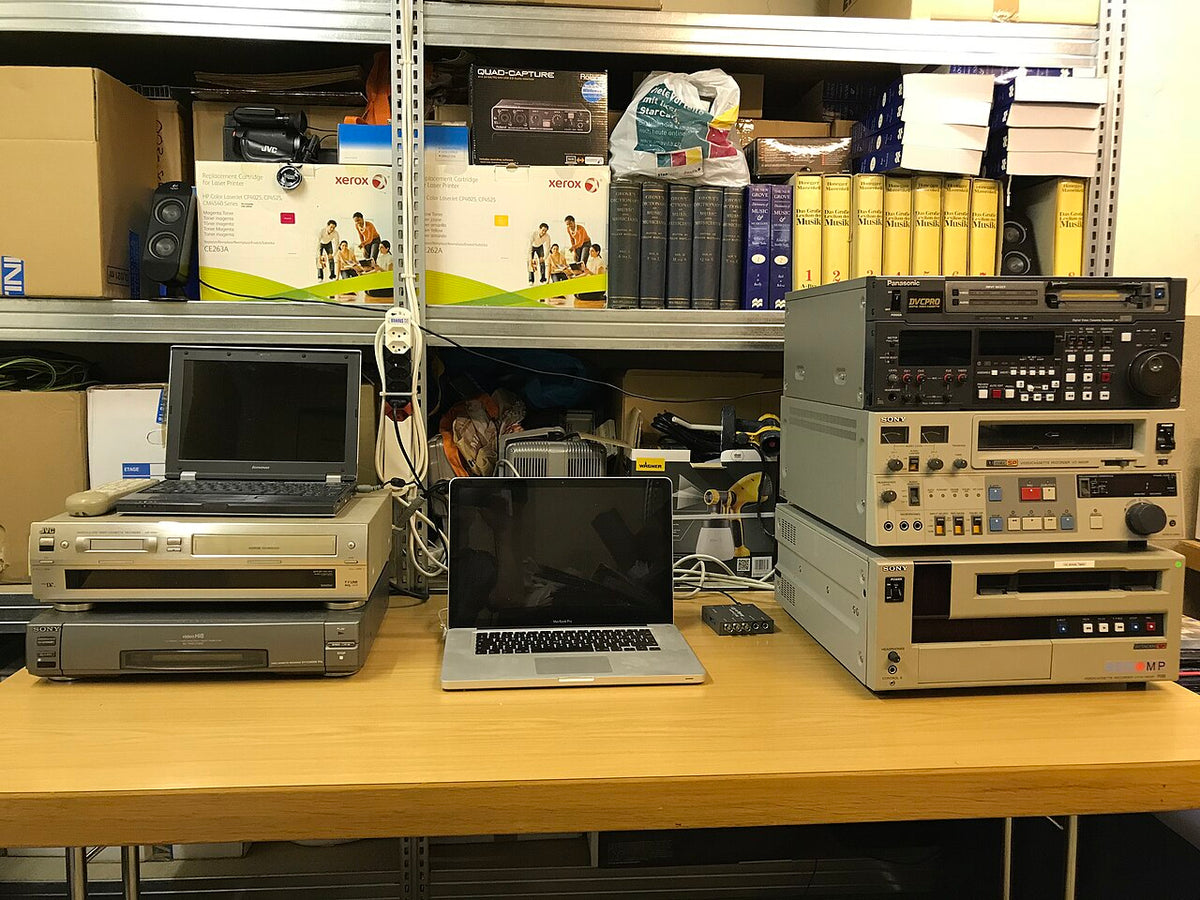
Hiring a service to digitize your tapes is the right solution if you no longer have a working camcorder or VCR, or if you have a lot of tapes. Before choosing, check four points: that the service reads your format (MiniDV, Hi8, Video8, Digital8, VHS-C, VHS), the type of file delivered (a universally playable MP4, and ideally a higher-quality file as an option), the pricing (per tape or per hour of video), and the security of your originals (tracked shipping, return of the tapes). Digitize without delay: tapes and players age.
The verdict in 30 seconds
A good service…
- clearly states the accepted formats;
- delivers a file in the original resolution, without fake "HD";
- returns the original tapes;
- quotes a clear timeframe and price.
Beware of…
- vague pricing or "per tape" packages without a maximum duration;
- delivery only on DVD;
- no information on how damaged tapes are handled;
- shipping without tracking.

Do it yourself or hire a service?
| Do it yourself | Service | |
|---|---|---|
| Equipment | Working camcorder or VCR, capture card or FireWire | None |
| Time | Real time: 1 hour of tape = 1 hour of capture | From a few days to a few weeks |
| Cost | Equipment to buy if you don't have any | Per tape or per hour |
| Risk | Tape damaged by a poorly maintained player | Postal shipping, trust in the service |
If your camcorder is still in working order, our transfer a camcorder tape to a computer tutorial explains the DIY method.
Questions to ask the service
- Which formats do you read? MiniDV, Hi8, and Digital8 require specific players that are becoming increasingly rare. Digital8, in particular, can only be played on a Digital8 device.
- What file do you deliver? An MP4 (H.264) is convenient for viewing and sharing. For archiving or editing, ask if there is a higher-quality option (original DV file for MiniDV, or an uncompressed file).
- What resolution? A tape is in standard definition (720 × 576 in PAL). Upscaling to "HD" or "4K" does not add detail: a file faithful to the original is better.
- Do you deinterlace? A deinterlaced file is more pleasant to watch on a modern screen. Ask if you can also get the original version.
- How do you charge? Per tape, per hour of video, with or without media (USB flash drive, disc, download).
- What do you do with a damaged or moldy tape? Some offer tape cleaning or repair (broken tape, casing).
- Do you create chapters? For MiniDV, splitting by recording date is often possible.
- What is the timeframe, how is it shipped, and are the originals returned?
Preparing your tapes
- Label each tape (number, date, content) and make a list.
- Flip the protective tab to prevent accidental erasure.
- Do not try to play a moldy tape (white spots on the tape): report it to the service.
- Ship in a tracked package, with the tapes secured, and keep a copy of your list.

After digitization
- Quickly check each file (beginning, middle, end).
- Keep at least two copies: a hard drive and online storage, for example.
- Keep the original tapes in a dry place: they remain the source.
No longer sure which format you have? Our MiniDV, Hi8, VHS-C, Digital8: the differences comparison helps you identify it.