




Transfer photos from an old digital camera
Card reader, USB cable, adapter for iPhone or Android: how to easily transfer photos from a digicam to your computer or phone.
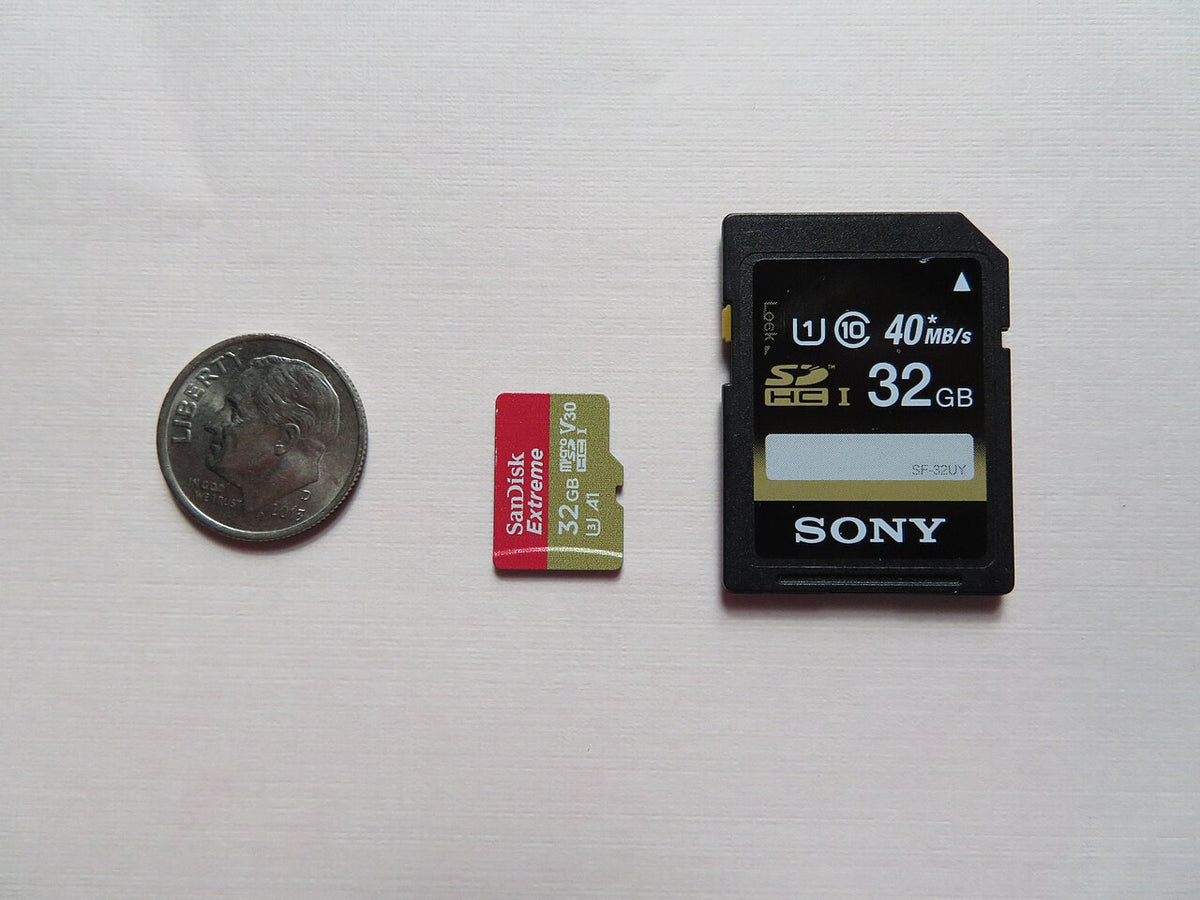
The easiest and most reliable way to retrieve photos from a digicam is with a card reader: take the card out of the camera, insert it into the reader, and the photos will appear just like on a USB flash drive, on a computer or most smartphones. The camera cable also works, but it is often lost or in a format that has become rare.
The verdict in 30 seconds
The recommended method
- a card reader compatible with your format;
- USB-C for a recent phone or computer;
- no software to install.
Alternatives
- the camera's original cable (often mini-USB);
- a USB-C to USB-A adapter;
- Wi-Fi, only on newer models that have it.
Method 1: the card reader
- Turn off the camera and remove the memory card.
- Insert it into a compatible reader (SD, xD, Memory Stick, CompactFlash, depending on your camera).
- Plug in the reader: the photos are in the DCIM folder.
- Copy them, then check the copy before deleting anything.
On iPhone, a compatible card reader allows you to import photos via the Photos app or the Files app. On Android, most phones read a USB-C reader in the file manager.
Method 2: the camera cable
Many digicams use a mini-USB port, sometimes a proprietary connector (common with Sony and Olympus). Plug in the camera while it is turned on: the computer usually recognizes it as a camera or a drive. This method drains the battery: charge it beforehand.
Tip: never delete your photos from the computer or phone. Once the copy is checked, format the card in the camera: it is cleaner and safer for the future.
If the card is not recognized
- check that the reader supports your format (xD and Memory Stick are not on all readers);
- very old low-capacity SD cards are not read by some newer readers: try another reader;
- check the small lock on the side of SD cards, which disables writing.
To identify the correct format, see Which memory card for an old digital camera?
A photo only truly exists when it is backed up twice.
Keep the date and quality
Copy the files as they are rather than sending them via messaging, which recompresses them. Check that the camera's date was set: that is what sorts your photos in the phone's gallery.
Are you looking for the right setting for a 2000s look? Read our digicam settings.
See our vintage digital cameras →
Frequently asked questions
Can you transfer photos without a computer?
Yes, with a card reader plugged directly into the phone, via USB-C or Lightning depending on the model.
My photos are small on the phone, is that normal?
A 5-megapixel digicam produces images of approximately 2592 × 1944 pixels, more than enough for a screen or a 10 × 15 print.
Cover photo: Nashucks, via Wikimedia Commons, CC0 license.