




Failed Polaroid or Instax photo: causes and solutions
White, black, pale, bluish, blurry, or stained photo, film that won't come out: diagnosing Polaroid and Instax failures, and practical solutions.
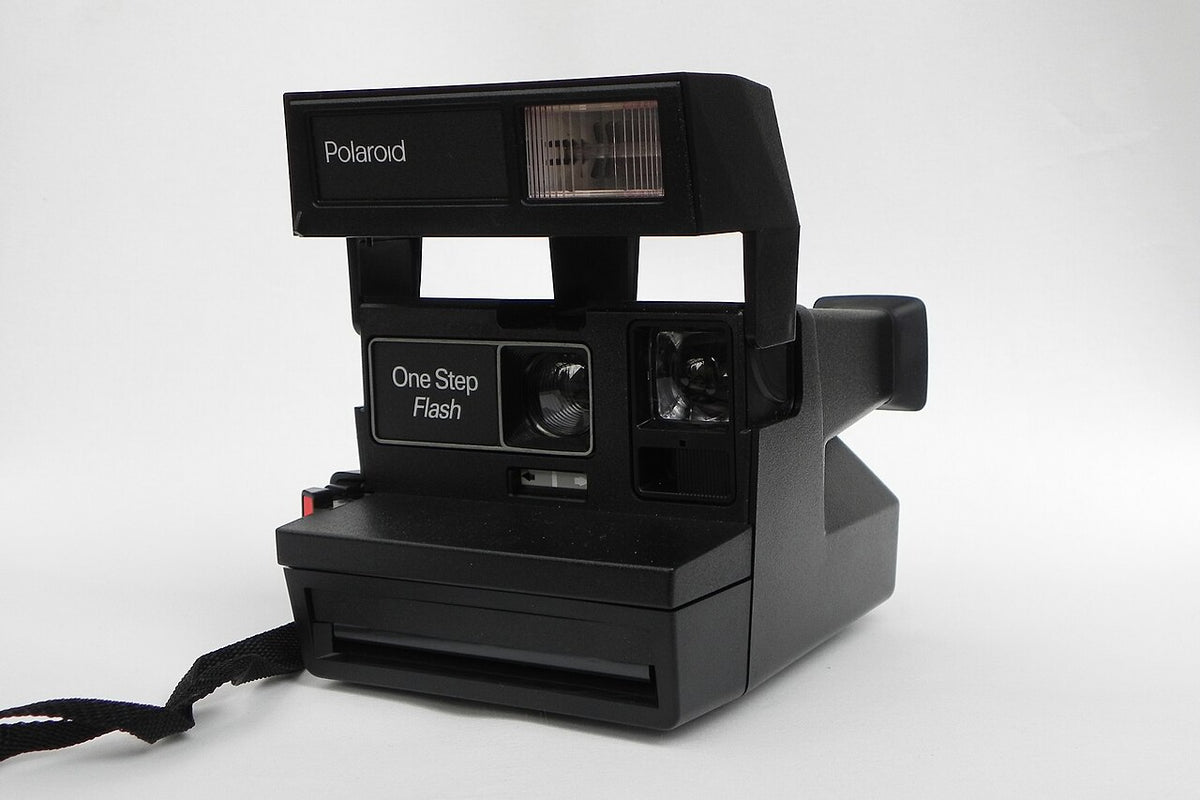
Most ruined instant photos are caused by three things: poor exposure (too much or too little light), an unsuitable temperature during development, or dirty rollers in the camera. The table below helps you diagnose the problem from the photo itself. Before blaming the camera, always try a new, properly stored pack of film.
Diagnosis at a glance
| Symptom | Probable causes | Solutions |
|---|---|---|
| Very bright photo, almost white | Overexposure: bright sun, subject too close to the flash, dial set to “lighten,” SX-70 film without a filter… or light-fogged film | Turn the dial toward “darken,” step back, avoid using the flash in bright sunlight; never open the film door with a pack already in use |
| Very dark or black photo | Underexposure: indoors without flash, subject too far from the flash, flash or light meter blocked by a finger; shutter not opening | Move the subject closer (1 to 2.5 m), check that nothing is covering the flash or light meter, and try a new pack |
| Bluish, pale colors | Film too cold during development | Keep the photo warm (in an inside pocket) while it develops |
| Yellow or reddish colors | Film too hot or expired | Store the film in a cool place and avoid direct sunlight while it develops |
| Repeated spots or marks at regular intervals | Rollers dirty with dried chemicals | Clean the rollers (see below) |
| Unexposed areas, blank edges | Dirty or damaged rollers, photo folded as it comes out, expired film | Clean the rollers and let the photo come out freely |
| Blurry image | Subject too close, camera shaken in low light, autofocus fooled (by glass or backlighting) | Keep your distance, use close-up mode, and hold the camera firmly |
| Orange or light streak from one edge | Light leak (perforated bellows on an SX-70, film door not closed properly) | Check the bellows and film door |
| Nothing comes out, camera is unresponsive (Polaroid 600, SX-70) | Pack battery is dead (old or expired pack) | Try a new pack; the camera has no other power source |
These causes are described in the Polaroid support pages and Instax manuals; you will still need to confirm the diagnosis on your camera.

Cleaning the rollers, step by step
- Remove the pack (or wait until it is empty);
- Open the film door: both rollers are located in the door;
- Wipe the entire length with a soft cloth or a barely damp cotton swab, turning the rollers as you go;
- Remove dried chemical deposits without scratching them with a metal object;
- Let it dry completely before inserting a new pack.
Tip: Clean the rollers before each new pack. This is the best way to prevent repeated spots, the most common problem with instant cameras.
Instax-specific problems
- White photo on a mini 8 or mini 9: the exposure ring is set incorrectly. Choose the setting with the flashing indicator or the one suited to the scene.
- First sheet comes out black: this is normal; it is the film protector.
- Counter stuck or film no longer advances: batteries are low. Replace them with two new batteries of the same brand.
- Blurry selfie: use selfie or close-up mode and the small mirror next to the lens, holding the camera at arm’s length (about 30 to 50 cm).
Polaroid-specific problems
- Photo develops poorly in cold weather: Polaroid chemicals are more sensitive to temperature than Instax chemicals. Develop the photo in a warm place, in an inside pocket, with the image side facing inward.
- Incorrect film-camera combination: i-Type film in a vintage camera (nothing works), SX-70 film in a 600 camera (dark photos), or 600 film in an SX-70 without a filter (bright photos). See Polaroid Film: Which Should You Choose?
- Photo comes out jammed: do not pull it out forcefully; a dirty roller or improperly inserted pack is often the cause.
A ruined instant photo is like a set of instructions: look at the photo, and it will almost always tell you what happened.
To properly store your film and avoid heat-related ruined photos, read Storing Instant Photos and Film. To choose a more forgiving camera, compare Polaroid and Instax.
Frequently asked questions
Why is my Polaroid photo completely white?
Often due to overexposure (too much light or the subject too close to the flash), sometimes because the film was exposed to light, for example if the film door was opened with a pack already in use.
Why is my Instax photo black?
Most often, the subject was too far from the flash or in the dark. Move closer, about 1 to 2 meters, and check that your fingers are not blocking the flash or light meter.
Should I shake a Polaroid photo?
No. Place it face down and let it develop undisturbed.