




Taking a panoramic photo: with a camera, a digicam, or on film
Methods for taking a panorama: digicam automatic mode, stitching multiple photos with free software, cropping, and film panoramic cameras.
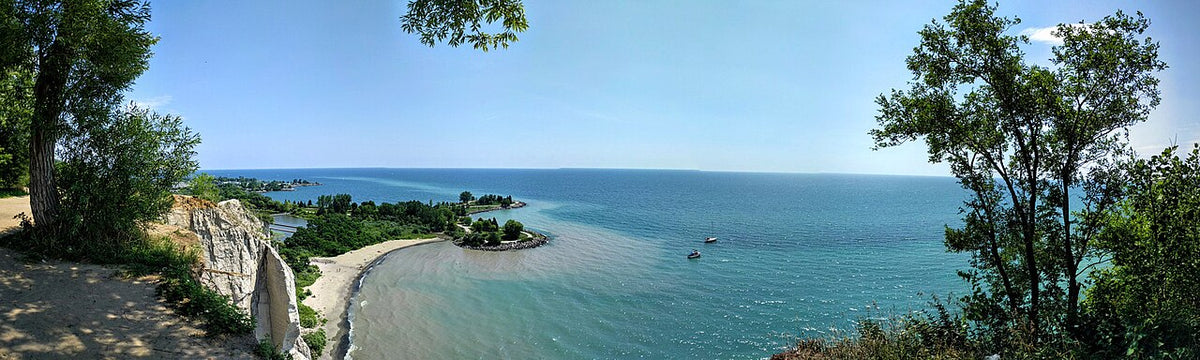
To take a panoramic photo, you have three options: the panorama mode built into many digicams and smartphones (you sweep the scene), stitching several photos together that overlap using free software like Hugin, or simply cropping a wide-angle photo. In film photography, there are compact cameras with a panoramic mode and true panoramic cameras. The stitching method provides the best quality.
Method 1: Panorama mode
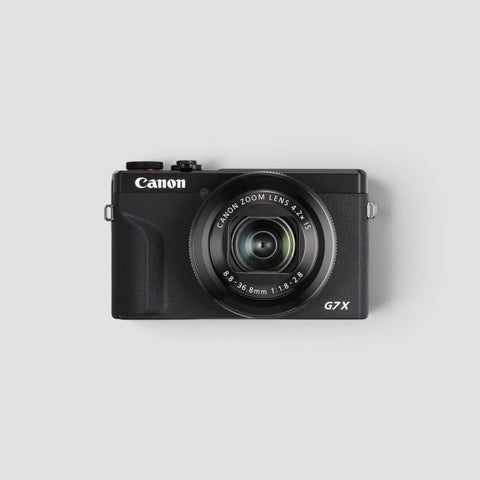
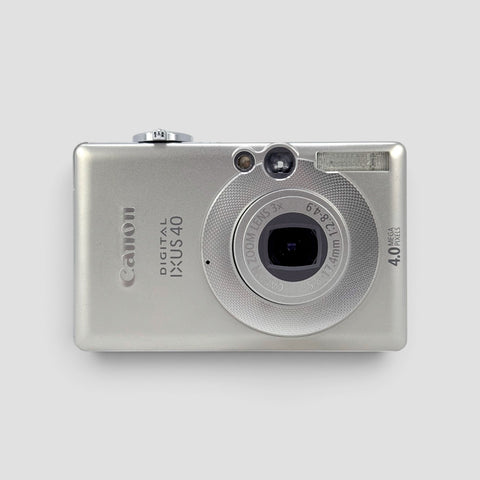
Many recent digital compact cameras have a panorama mode; at Sony, the Cyber-shot cameras of the late 2000s popularized it under the name "Sweep Panorama". You press the button, turn slowly and steadily around yourself, and the camera stitches it all together automatically.
- Turn around the camera, not around yourself: keep it in the same place.
- Move at a steady speed, neither too fast nor too slow.
- Avoid close moving subjects: they will appear doubled or cut off.
Method 2: Stitching several photos
- Switch to manual: set exposure, white balance, and focus, so that all the images look similar.
- Shoot vertically: the panorama will have more height.
- Overlap each photo by about a third with the previous one.
- Turn around the lens, ideally on a level tripod (what tripod).
- Stitch on your computer: Hugin is free and open-source; other software is featured in free photo editing software.
For panoramas with very close elements, you need to turn around the lens's nodal point (using a special nodal tripod head) to avoid parallax; for a distant landscape, this is unnecessary.
Method 3: Cropping
A wide-angle photo cropped into a strip (2:1 or 3:1 format) makes a decent panorama, especially for web display. You lose resolution, but with a modern sensor, it often works out. See the rules of composition for placing the horizon.
Panoramic film photography
| Solution | Principle |
|---|---|
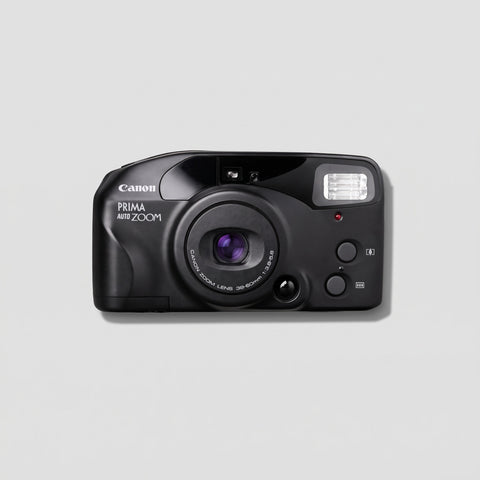
| 1990s compact cameras with panorama mode | A mask covers the top and bottom of the 24 × 36 image; the lab prints it in a panoramic format |
| APS "P" format | The same principle on APS cameras, with a panoramic format recorded for printing |
| Hasselblad XPan / Fujifilm TX-1 | True 24 × 65 mm panoramic format on 35 mm film |
| Horizon (tilting lens) | The lens tilts during the exposure, sweeping a very wide angle |

The panorama mode on compact cameras simply masks the film: you can get the same result by cropping the scan. However, an XPan or Horizon provides a true panoramic field. To scan these formats, read scanning your own negatives.

Also read: Panoramic film camera: Horizon, Widelux, XPan and compact cameras.
Frequently asked questions
How do I take a panoramic photo without panorama mode?
Take several photos with a third of the image overlapping, using manual settings, then stitch them together with free software like Hugin.
Why does my panorama have bands of different colors?
The exposure or white balance changed between the images. Lock them in manual mode before you start.
Is the panorama mode on a film compact camera a true panorama?
No: it masks the top and bottom of the image. The horizontal field remains that of a normal photo.
All cameras sold on Vibes Photo are inspected before shipping and covered by a 6-month warranty (details in our general terms and conditions of sale).