




Camcorder DVD, hard drive, or SD card: which should you choose?
Mini DVD, hard drive, or SD card: which camcorder without a cassette should you choose for that 2000s look, and how can you easily retrieve your files?
2000s tape-free camcorders are the easiest to use today: no tape to find, and files to copy directly. The SD card model is the most convenient, the hard drive offers a lot of recording time but ages less well, and the mini DVD is the most cumbersome. In terms of image, they all give a more "digital" result than MiniDV, with visible compression that evokes early YouTube videos.
The verdict in 30 seconds
The easiest
- SD card camcorder;
- files copied via USB or card reader;
- no mechanical recording part.
Avoid without checking
- hard drive that scratches or takes a long time to start;
- mini DVD whose drive no longer recognizes the discs;
- models whose files require discontinued software.
The three families in one table
| Media | Period | Typical files | Strengths | Weaknesses |
|---|---|---|---|---|
| 8 cm Mini DVD | Approximately 2000 to 2010 | MPEG-2 (VOB) once finalized | Disc readable in a DVD player | About 20 to 30 min per side in good quality, finalization mandatory, discs to find |
| Hard drive | Approximately 2004 to 2012 | MPEG-2 (MOD, MPG) or AVCHD (MTS) | Hours of recording | Fragile hard drive, sensitive to shocks |
| SD card or flash memory | 2006 to today | MPEG-2, AVCHD (MTS) or MP4 | Lightweight, silent, easy transfer | Older models limited in card capacity (SDHC not recognized on some) |
Durations and formats vary by model: always check the manual. Hitachi launched one of the first DVD camcorders (DZ-MV100) in 2000, and JVC popularized the hard drive with the Everio range.

The DVD camcorder
It records on 8 cm discs (DVD-R, DVD-RW, DVD+RW or DVD-RAM depending on the brand). For a disc to be readable elsewhere, it must be finalized in the camcorder. Without finalization, the disc can only be read in the device that burned it. 8 cm blank discs are still available, but the selection has dwindled. These camcorders have a special charm for those who want the "vacation DVD" aesthetic, but it is not the most convenient choice.
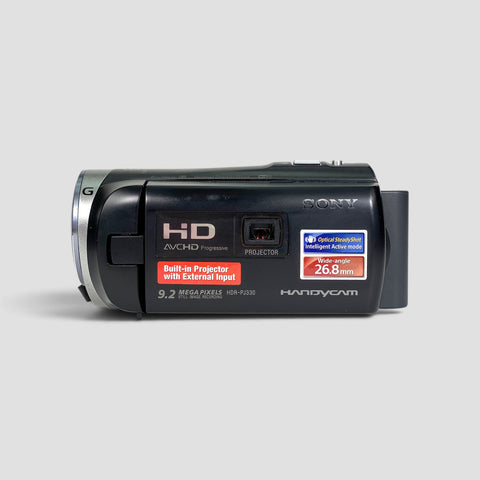
The hard drive camcorder
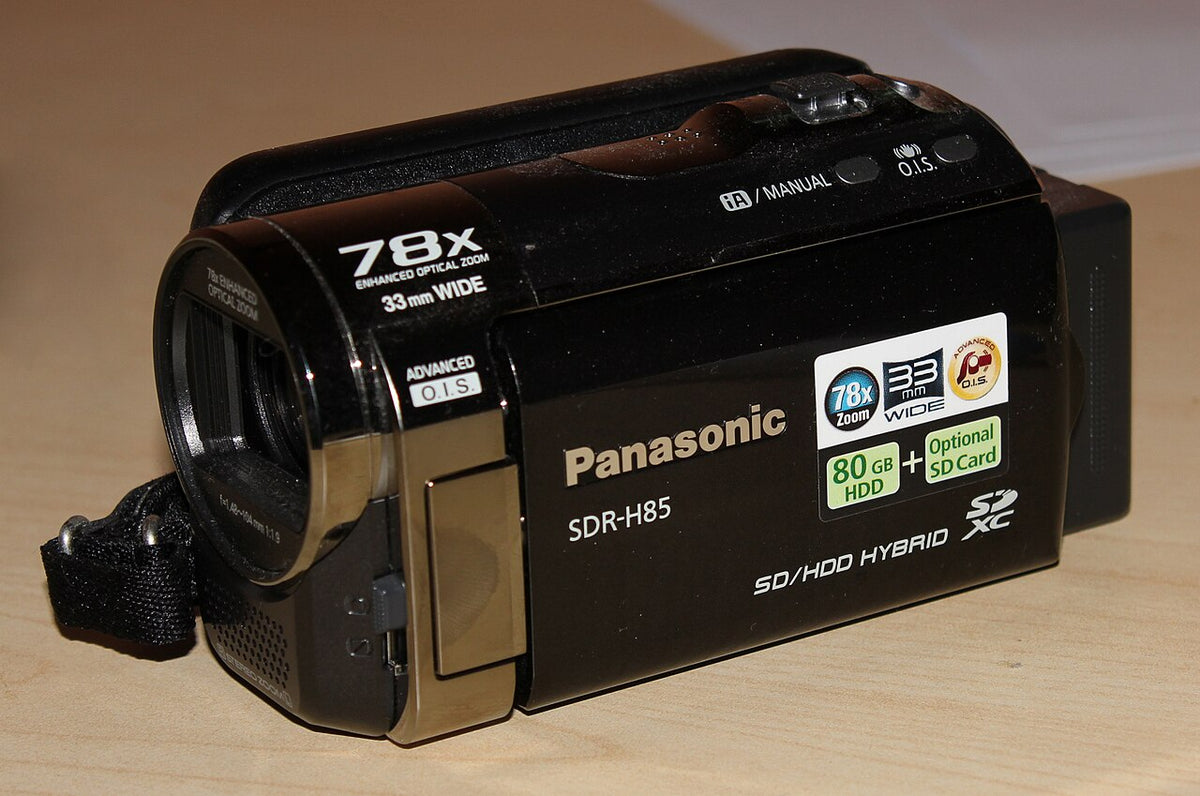
A small internal hard drive, often 30 to 120 GB, allows you to film for hours without changing media. The downside is fragility: a fifteen-year-old drive can fail without warning. Most include a fall sensor that cuts off recording in case of a shock. Common examples: JVC Everio GZ-MG, Sony DCR-SR, Panasonic SDR-H.
Tip: on a used hard drive camcorder, film for 10 minutes, then rewatch everything and copy the files to a computer. A drive that "clicks", a very long startup, or unreadable files are warning signs.
The SD card camcorder
It is the most convenient format: no recording mechanics, and the card can be read in any reader. The first models, such as the Panasonic SDR-S, Sony DCR-SX or JVC Everio GZ-MS, film in standard definition. AVCHD models from 2006 onwards film in HD, with a less "vintage" look. Warning: the oldest camcorders sometimes only accept SD cards up to 2 GB, without SDHC. Our guide What memory card for an old device? explains these limitations.

What result to expect?
In standard definition (720 × 576), these camcorders give an image that is a bit softer and more compressed than MiniDV, with flat areas in dark zones. This is the look of videos from 2006 to 2010. If you are looking for the most authentic 2000s look, MiniDV is still above. For a truly analog look, look at Hi8 or VHS-C.
Retrieving the files
- SD card: card reader, then copy the entire folder (often PRIVATE or SD_VIDEO).
- Hard drive: USB cable, the camcorder appears as an external drive on most models.
- Mini DVD: finalized disc read in a computer DVD player compatible with 8 cm (slot drives do not accept it).
MOD files (JVC, Panasonic) are MPEG-2: renamed to .MPG, they open in most players. MTS files (AVCHD) are read with VLC and are easily converted. Always copy the entire folder structure, without modifying it, before converting.
At Vibes Photo, each device is checked before being put on sale and covered by a six-month commercial warranty, in addition to the legal warranties of conformity and hidden defects. The details are in our general terms and conditions of sale.
Frequently asked questions
Which tape-free camcorder for a 2000s look?
An SD card model in standard definition, such as a Panasonic SDR-S or a JVC Everio GZ-MS, offers the best compromise between look and simplicity.
My DVD camcorder no longer reads discs: repairable?
The optical block can sometimes be cleaned, but its replacement is rarely profitable. First retrieve the finalized discs in another reader.
Can you put a large SD card in an old camcorder?
Only if the device accepts SDHC (cards over 2 GB). Otherwise, use a 2 GB or smaller SD card.